
Call us: 0407 744 744
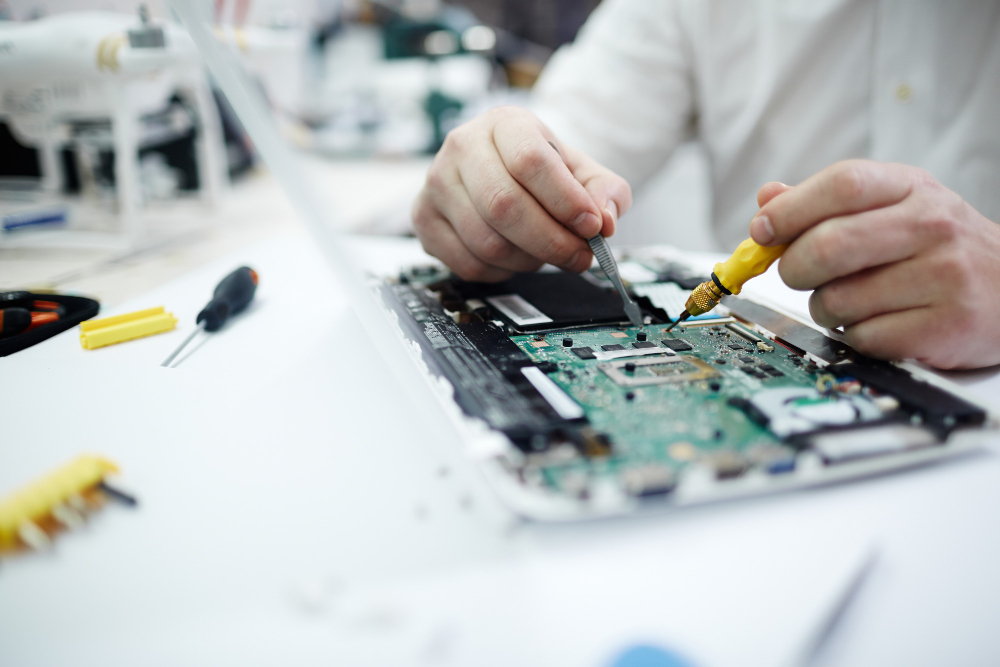

If your MacBook suddenly refuses to turn on, overheats during important work, or feels painfully slow, you’re not alone. Many MacBook users across Brisbane — students, professionals, and business owners alike — face similar issues every day. The good news? Most MacBook problems are fixable, often faster and more affordably than replacing the device entirely.
In this guide, we’ll walk you through the most common MacBook issues, what causes them, how long repairs usually take, and when professional repair is the smarter choice.
Why MacBooks Develop Problems Over Time
MacBooks are premium devices, but even they aren’t immune to wear and tear. Over time, factors like heat buildup, aging batteries, accidental drops, liquid spills, and macOS updates can affect performance. Dust accumulation and heavy daily usage also put strain on internal components, especially in devices that are several years old.
Understanding the root cause is the first step toward an effective repair.
Most Common MacBook Problems We See in Brisbane
Screen Damage and Display Issues
Cracked screens, flickering displays, black screens, or vertical lines are common, especially after accidental drops. Retina displays require precise replacement using high-quality parts to restore original clarity.
Battery Draining or Charging Problems
If your MacBook battery drains quickly, shuts down unexpectedly, or won’t charge, the battery health may be below optimal levels. In some cases, the issue lies in the charging port or logic board rather than the battery itself.
Keyboard and Trackpad Failures
Sticky keys, unresponsive trackpads, and known butterfly keyboard issues can seriously impact productivity. These problems usually require professional repair rather than DIY fixes.
Overheating and Loud Fan Noise
Overheating often points to internal dust buildup, failing fans, or dried thermal paste. Left unchecked, this can damage the logic board.
Software Issues That Affect MacBook Performance
Not all problems are hardware-related. macOS boot loops, slow startup times, frequent app crashes, and data loss after updates are common software concerns. Professional macOS troubleshooting can resolve these issues without risking your data.
Repair vs Replacement: What’s the Smarter Choice?
You might be wondering: Should I repair my MacBook or buy a new one?
In most cases, repair makes more sense. Replacing a screen, battery, or SSD costs significantly less than purchasing a new MacBook. Repairs also extend your device’s lifespan and reduce electronic waste. Replacement is usually only recommended for severely outdated models or extensive logic board damage.
How Long Does MacBook Repair Take in Brisbane?
Many common MacBook repairs — such as battery or screen replacements — can be completed the same day. More complex services like micro-soldering or liquid damage repair may take 1–3 days. Walk-in repair services with free diagnostics can significantly reduce downtime.
How Much Does MacBook Repair Cost in Brisbane?
MacBook repair costs vary depending on the issue and model. Battery and screen replacements are generally affordable, while logic board repairs cost more due to their complexity. Reputable repair providers offer transparent quotes, so you know what to expect before approving any work.
Why Professional MacBook Repair Beats DIY Fixes
While DIY tutorials may look tempting, MacBooks are highly sensitive devices. One wrong move can lead to permanent damage or data loss. Professional technicians use Apple-specific tools, OEM-quality parts, and back repairs with warranties — something DIY fixes simply can’t offer.
Choosing a Trusted MacBook Repair Service in Brisbane
When selecting a repair service in Brisbane, look for certified technicians, experience with Apple devices, strong customer reviews, and a warranty on repairs. A trusted local provider can restore your MacBook quickly, safely, and cost-effectively.
Is it worth repairing an old MacBook?
Yes, if the repair cost is significantly lower than replacement and the device still meets your needs.
Can data be recovered from a dead MacBook?
In many cases, yes. Professional data recovery tools can retrieve files even if the device won’t turn on.
Do repairs void Apple warranty?
If your device is out of warranty, repairs won’t affect coverage. Always check your warranty status first.
How do I know my battery needs replacement?
Rapid draining, unexpected shutdowns, and battery health below 80% are common signs.
Can liquid-damaged MacBooks be fixed?
Yes — early professional intervention greatly improves success rates.
Final Thought
If your MacBook is slowing you down, professional repair is often the fastest and smartest solution. With expert diagnostics, high-quality parts, and warranty-backed repairs, you can get back to work without the cost of a new device.